Archive first
When people think about cleaning up their PC, they usually think about deleting files.
I don't.
For me, tidying up my data and permanently deleting it are two completely different things.
When my drives start getting full, I usually just want to make my main folders easier to work with again. I want less clutter, fewer distractions and more free space. That doesn't necessarily mean I'm ready to get rid of everything forever.
There are plenty of files that I'm fairly sure I won't need again.
Old photos. Finished projects. Downloads. Old installers. Previous backups. Documents I haven't opened in years.
The problem is that fairly sure isn't the same as certain.
That's why I prefer to archive first.
Instead of deleting files straight away, I move them somewhere cheaper and out of the way. It could be another drive, an external disk or cloud storage. In my own setup, I back up my archive using IDrive because I'd rather have an extra layer of protection before I permanently remove anything.
The benefit is simple.
My main drives stay clean and organised, but I haven't forced myself into making a decision I'll regret later.
Similar doesn't always mean disposable
This becomes even more important when you're dealing with similar files rather than exact duplicates.
Exact duplicates are usually straightforward. If two files are genuinely identical, keeping one and removing the other is often a sensible decision after a quick review.
Similar files are different.
Imagine you've been working on a document for months. You might have several revisions of the same report, contract or spreadsheet. Most of the time you'll only ever use the latest version, but sometimes you'll want to look back and see what changed or recover something you removed.
The same applies to legal documents, payslips, financial records or important paperwork. They might look almost identical, but each version can tell part of the story.
The chances are you'll never need those older copies.
But if you do, you'll be glad you kept them.
I've always believed it's better to have something and not need it than need it and not have it.
Storage is relatively cheap.
Losing something important can be expensive, stressful or simply impossible to undo.
Give yourself time
One thing I've noticed is that many storage tools expect you to make a decision immediately.
You've found the files.
Now delete them.
I don't think that's how most people actually work.
Sometimes you just want to tidy up your workspace.
Move older files out of the way.
Keep your important folders focused on what you're using today.
Then, after a few weeks or months, you can decide whether those archived files are worth keeping.
If you've never gone back to them, deleting them becomes a much easier decision because you've had time to prove to yourself that you really don't need them.
Why I built Zenovix this way
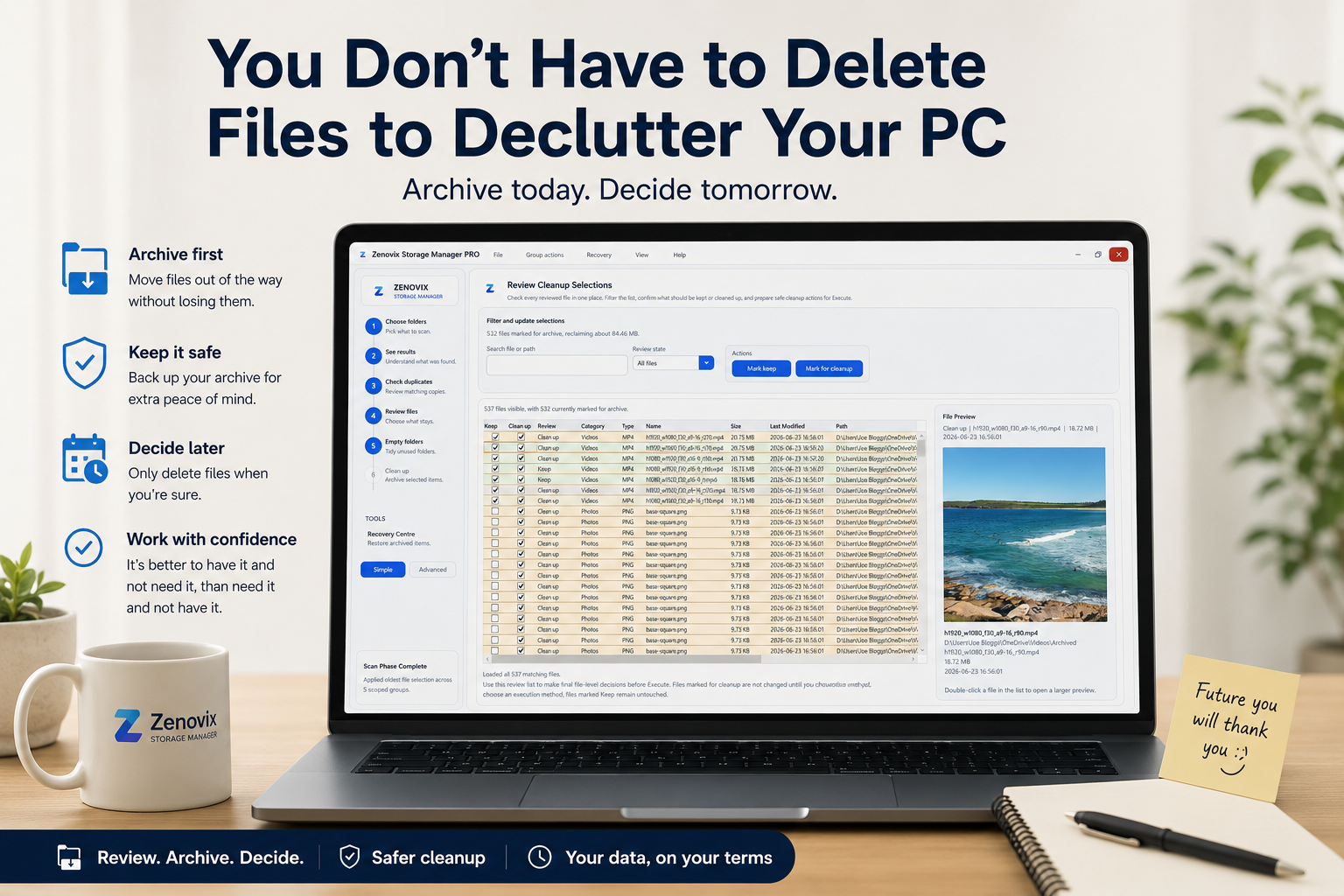
This is one of the reasons I built Zenovix Storage Manager.
I wasn't trying to create the fastest way to delete files.
I wanted a safer way to manage them.
A tool that lets you review your data, organise it, archive what you're unsure about and only delete things when you're confident it's the right decision.
Sometimes deleting files is absolutely the right thing to do.
I just don't think it always has to be the first thing you do.
For me, decluttering is about getting control back.
Making my working folders cleaner. Reducing the noise. Creating space.
And giving myself time before making permanent decisions.
Because tidying up your PC shouldn't mean gambling with your data.
Review before action
Declutter your PC without rushing deletion
Zenovix Storage Manager helps Windows users analyse disk usage, review large and similar files, archive uncertain items and keep permanent cleanup decisions under their control.