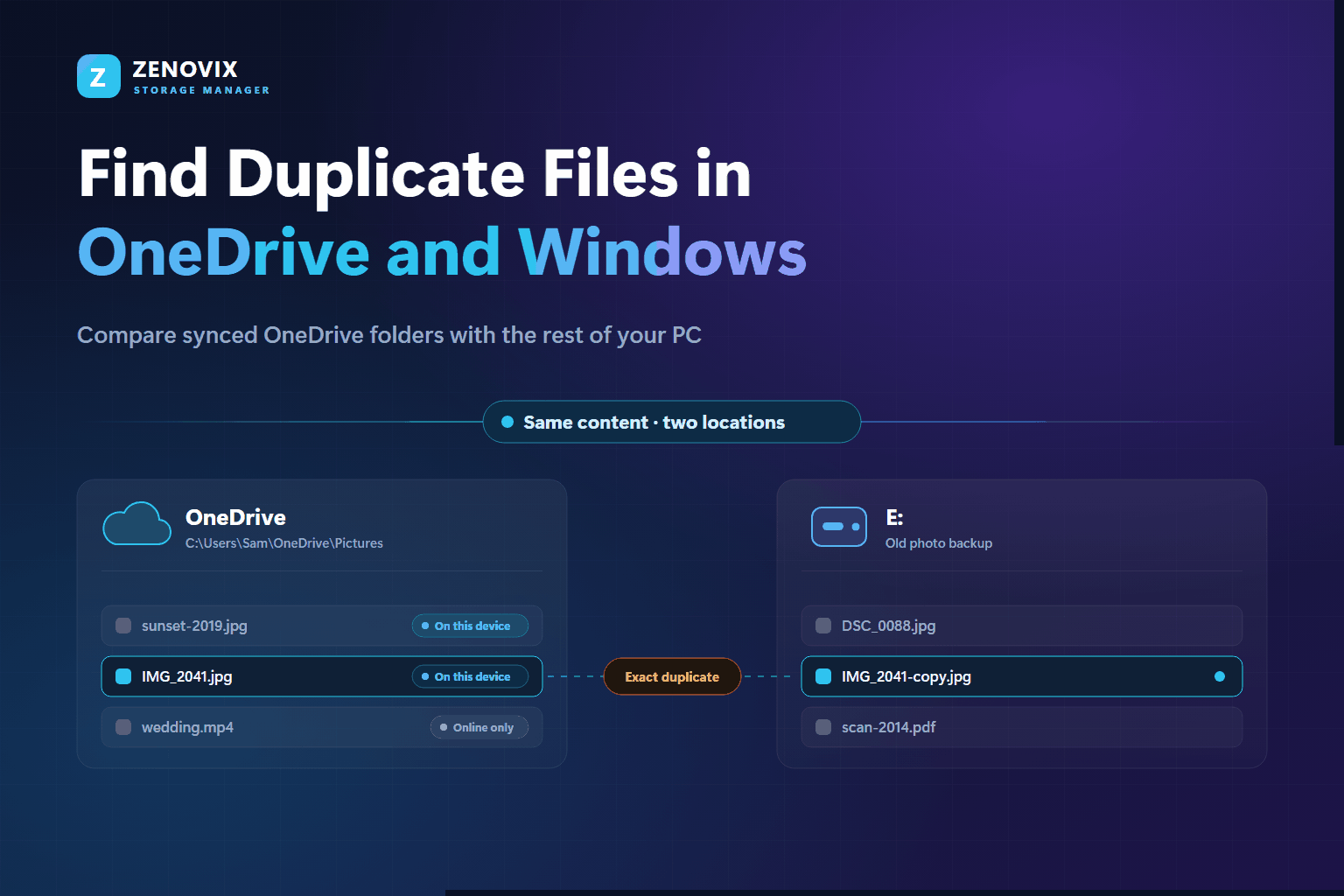
How to Find Duplicate Files in OneDrive and on Your PC Safely
How to compare synced OneDrive folders with the rest of your PC by file content, handle online-only files with Files On-Demand, and decide safely which copy stays.
Read moreZenovix Blog
Practical guides for finding duplicate files, reviewing crowded folders, archiving safely and understanding where disk space is going on Windows.
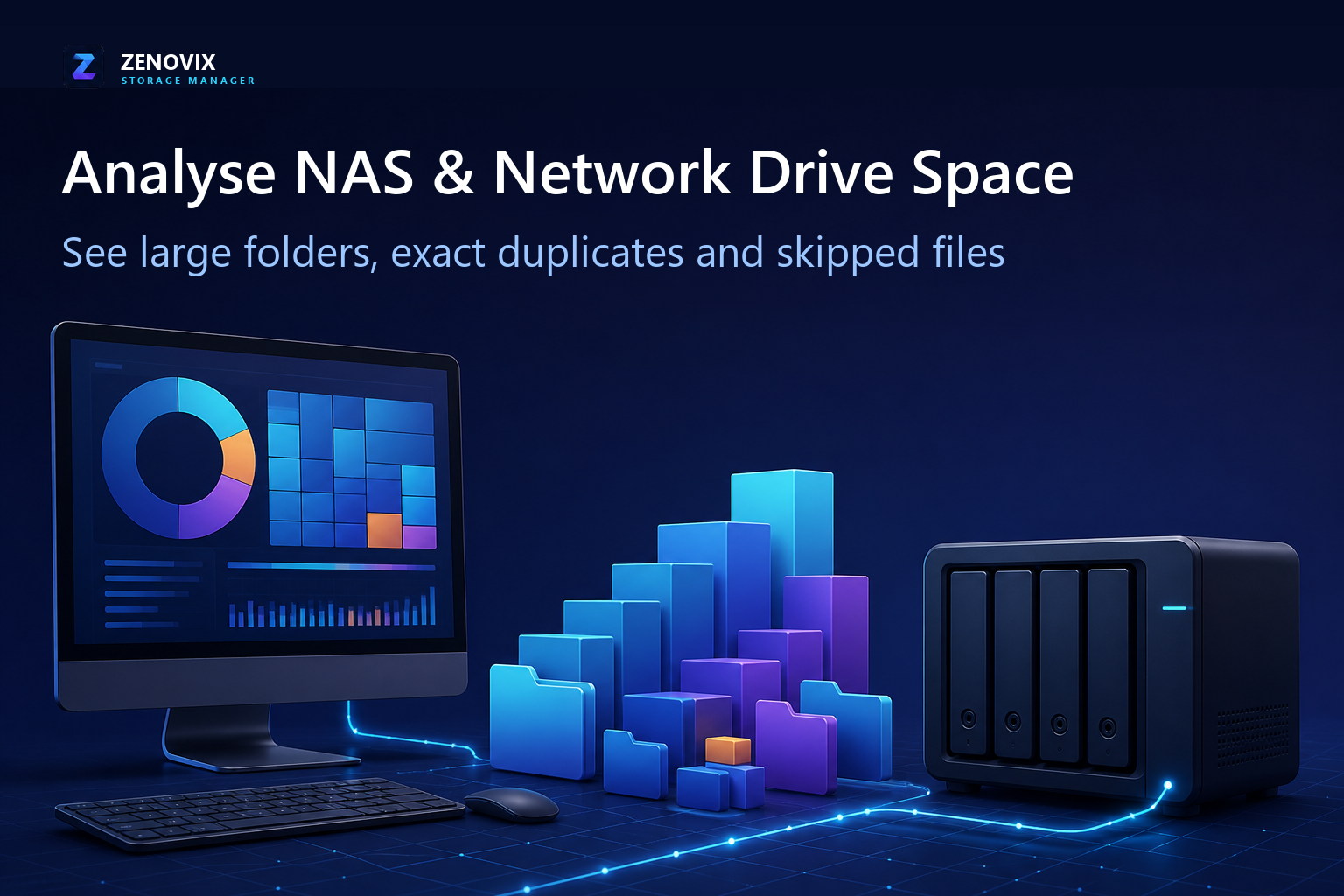
How to scan an accessible NAS or network drive from Windows, find the largest folders, review exact duplicates and account for files the scan could not read.
Read the articleLatest articles
Follow development updates and deeper notes about Windows storage management, duplicate file review and careful cleanup workflows.
How to compare synced OneDrive folders with the rest of your PC by file content, handle online-only files with Files On-Demand, and decide safely which copy stays.
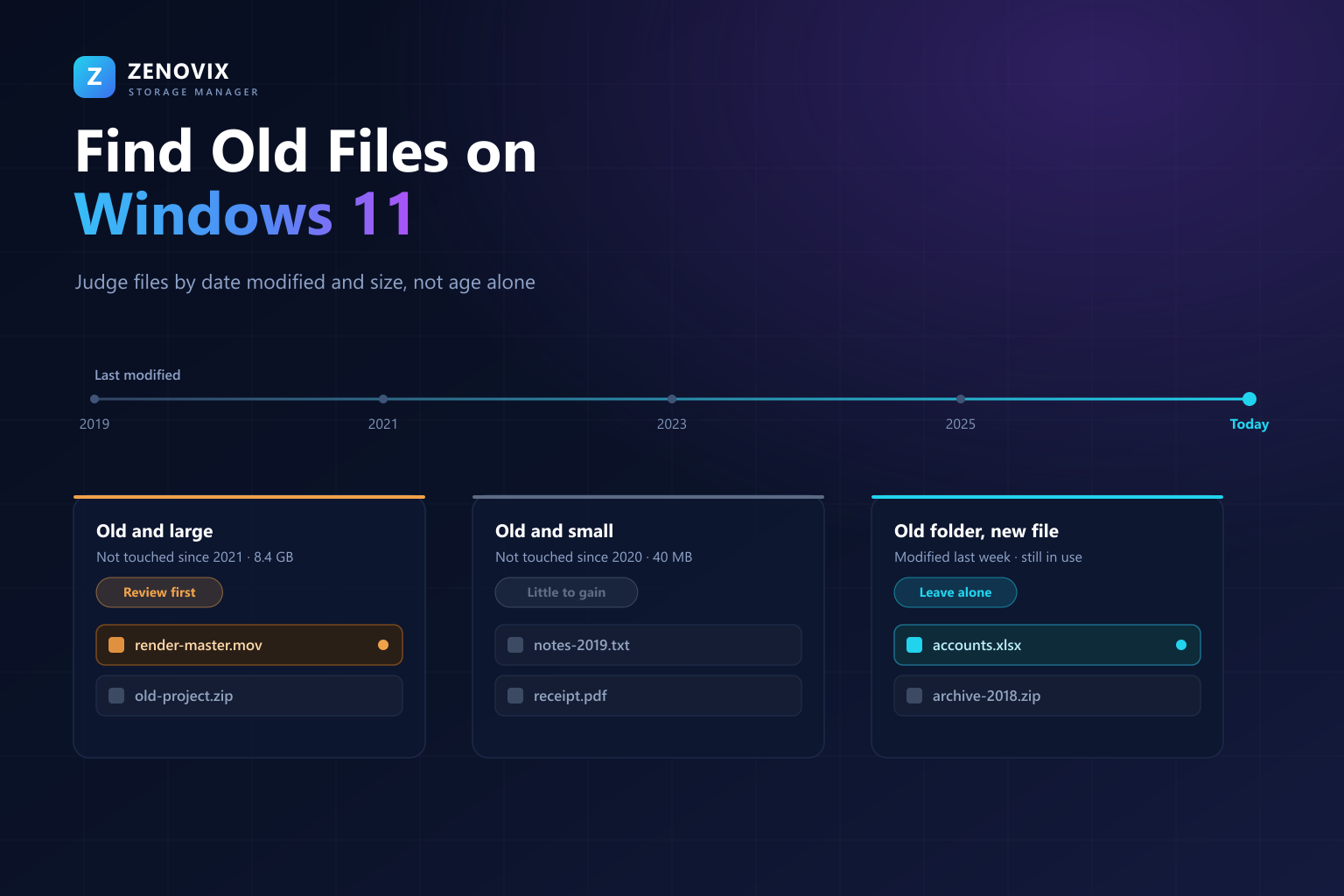
Read moreHow to investigate old files using date modified, size and the last accessed date, with File Explorer, PowerShell and a visual activity timeline — and why old does not mean unnecessary.
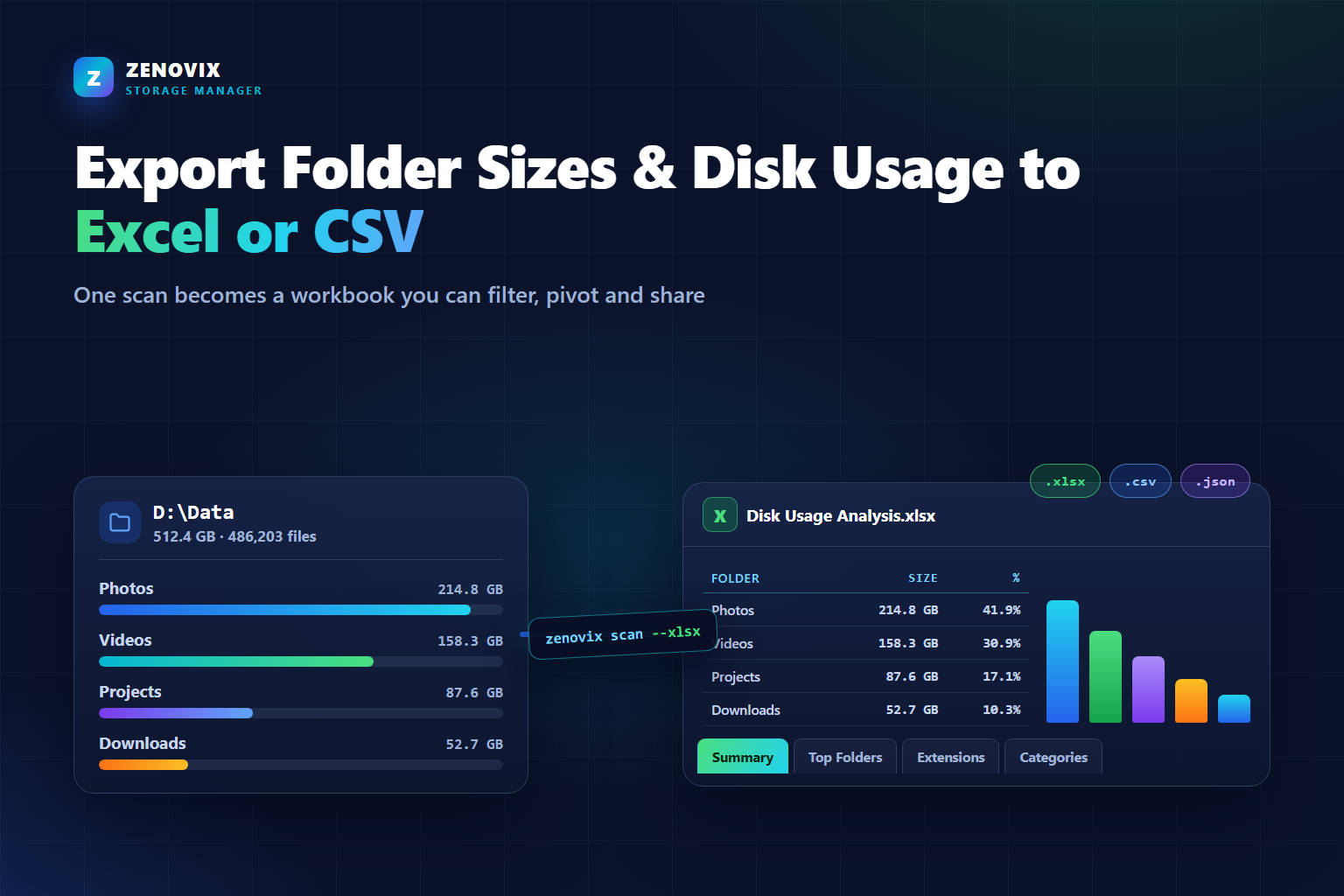
Read moreWhat Windows and PowerShell can export on their own, and how to produce a formatted Excel, CSV or JSON disk usage report you can filter, pivot and load into Power BI.
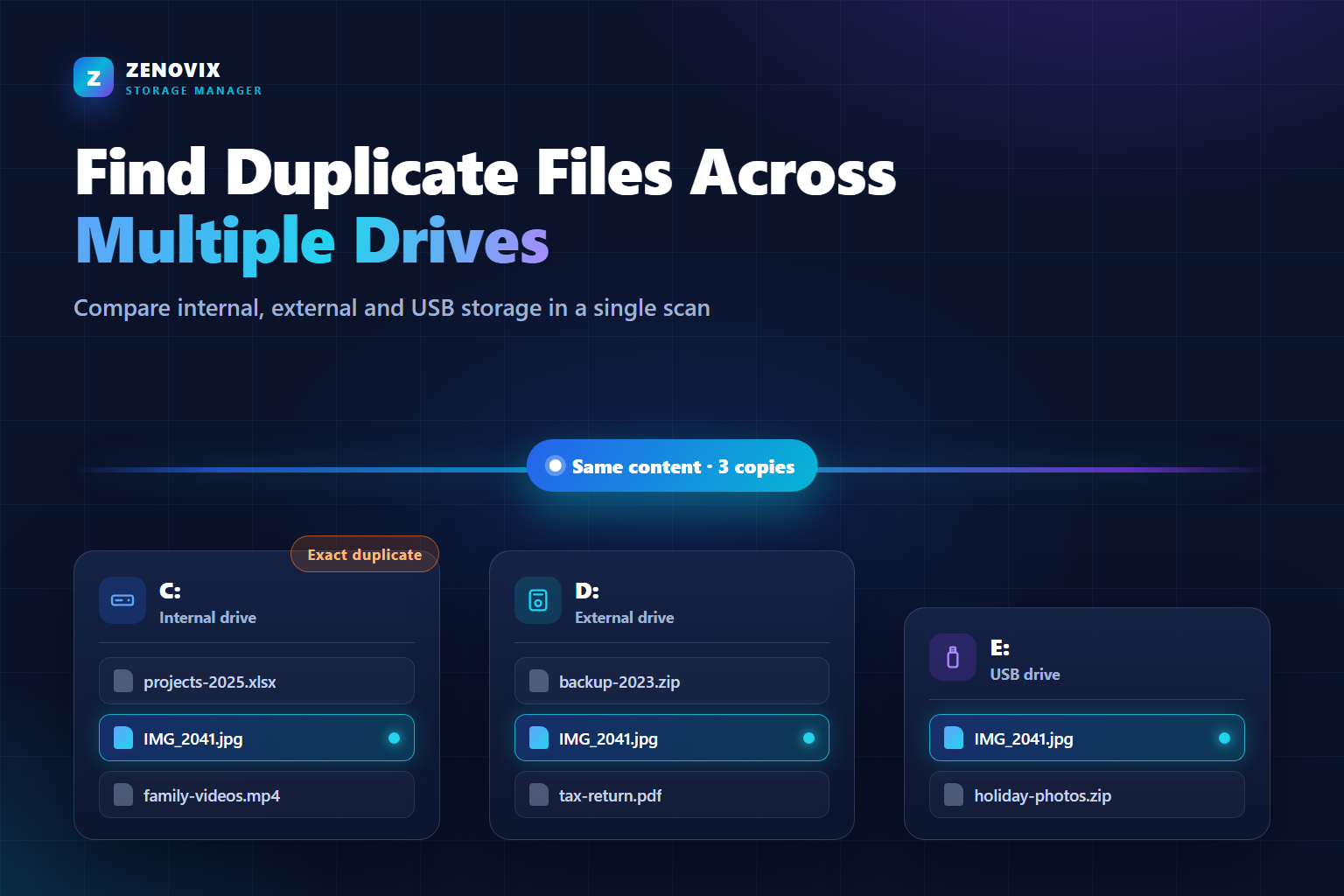
Read moreHow to compare internal drives, external hard drives and USB sticks in one content-based duplicate scan, then decide which copy of each file should survive.
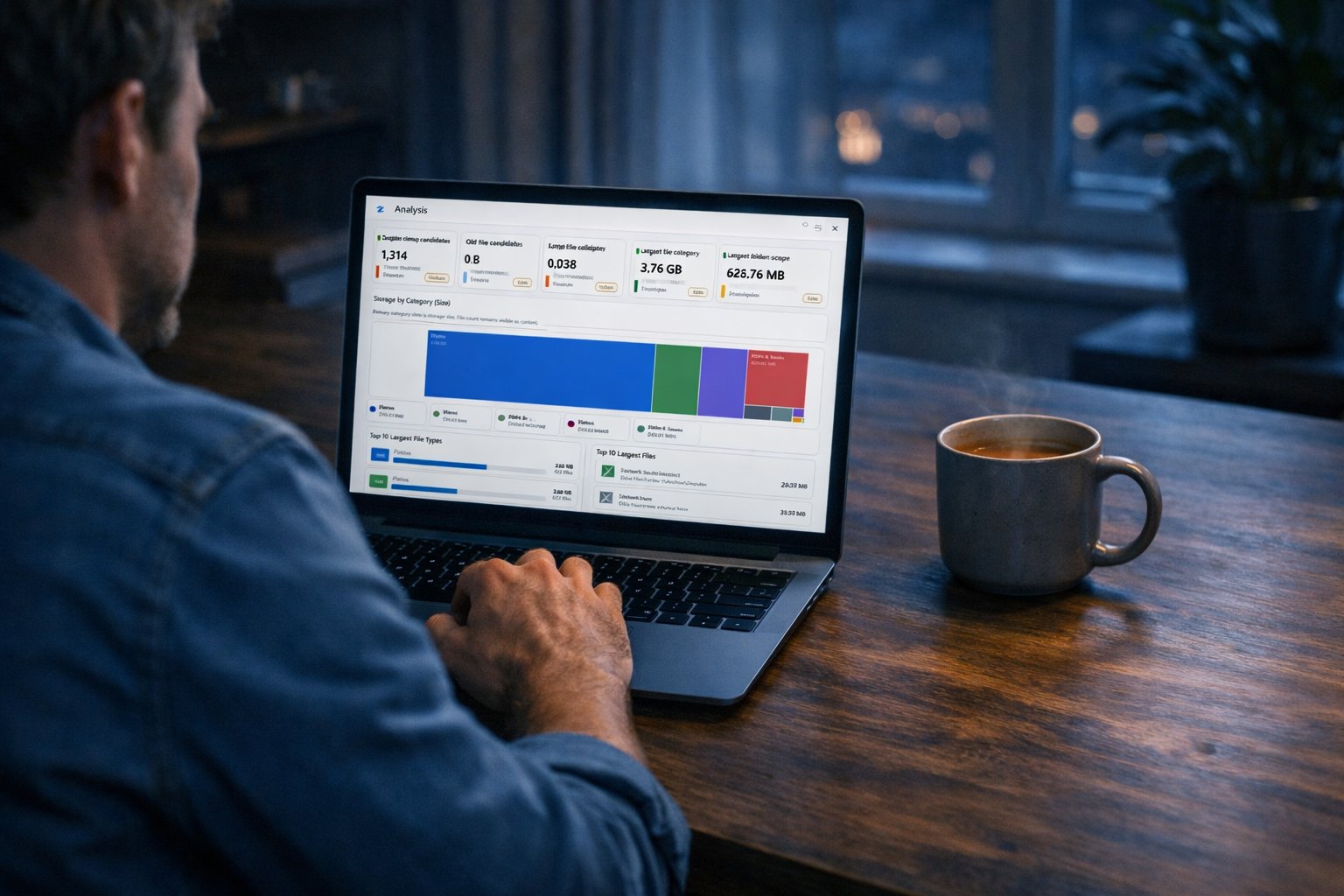
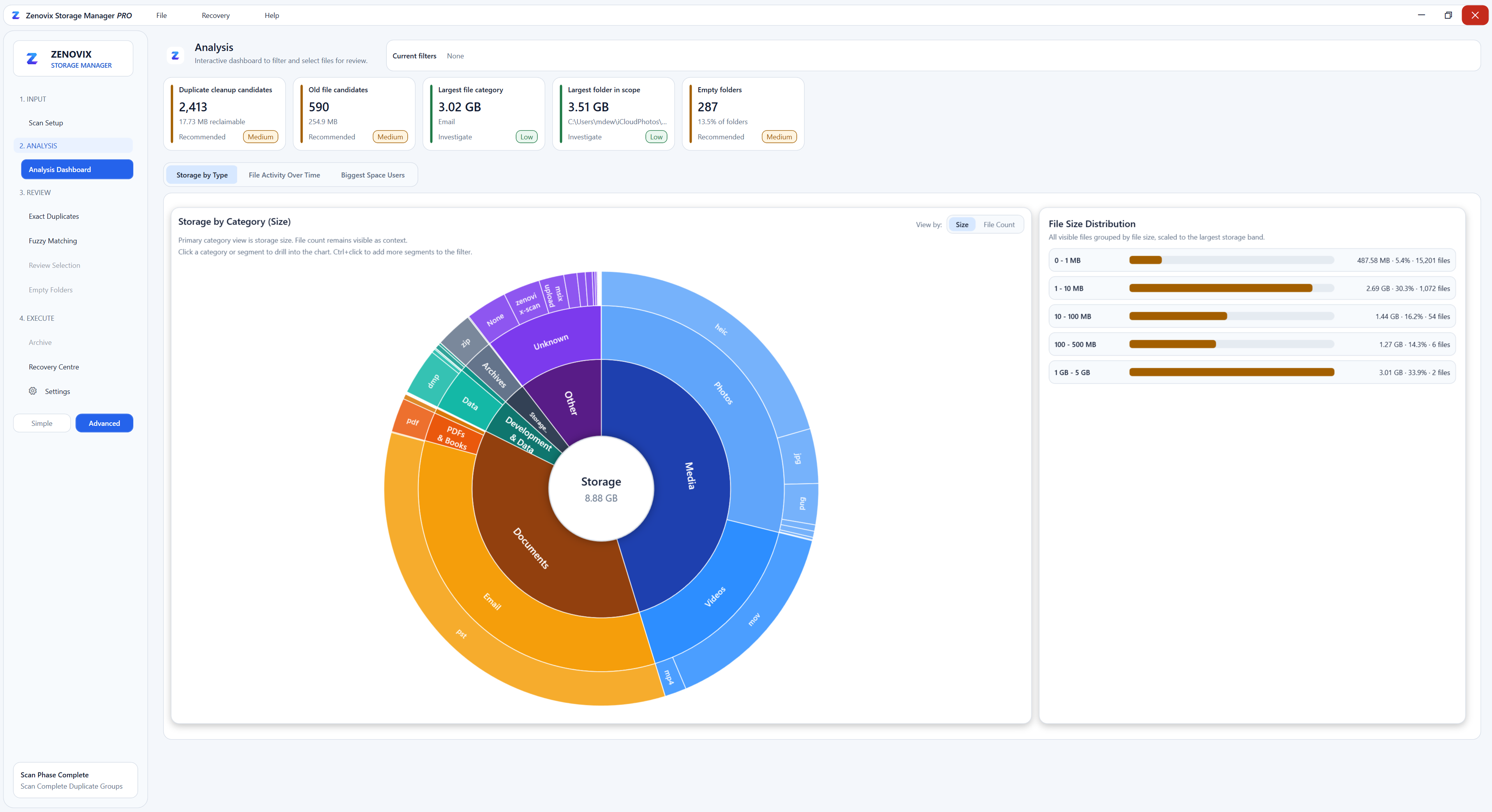
Read moreA practical guide to understanding Windows storage, reviewing large files, duplicates and cloud sync folders, and cleaning up safely without losing data.
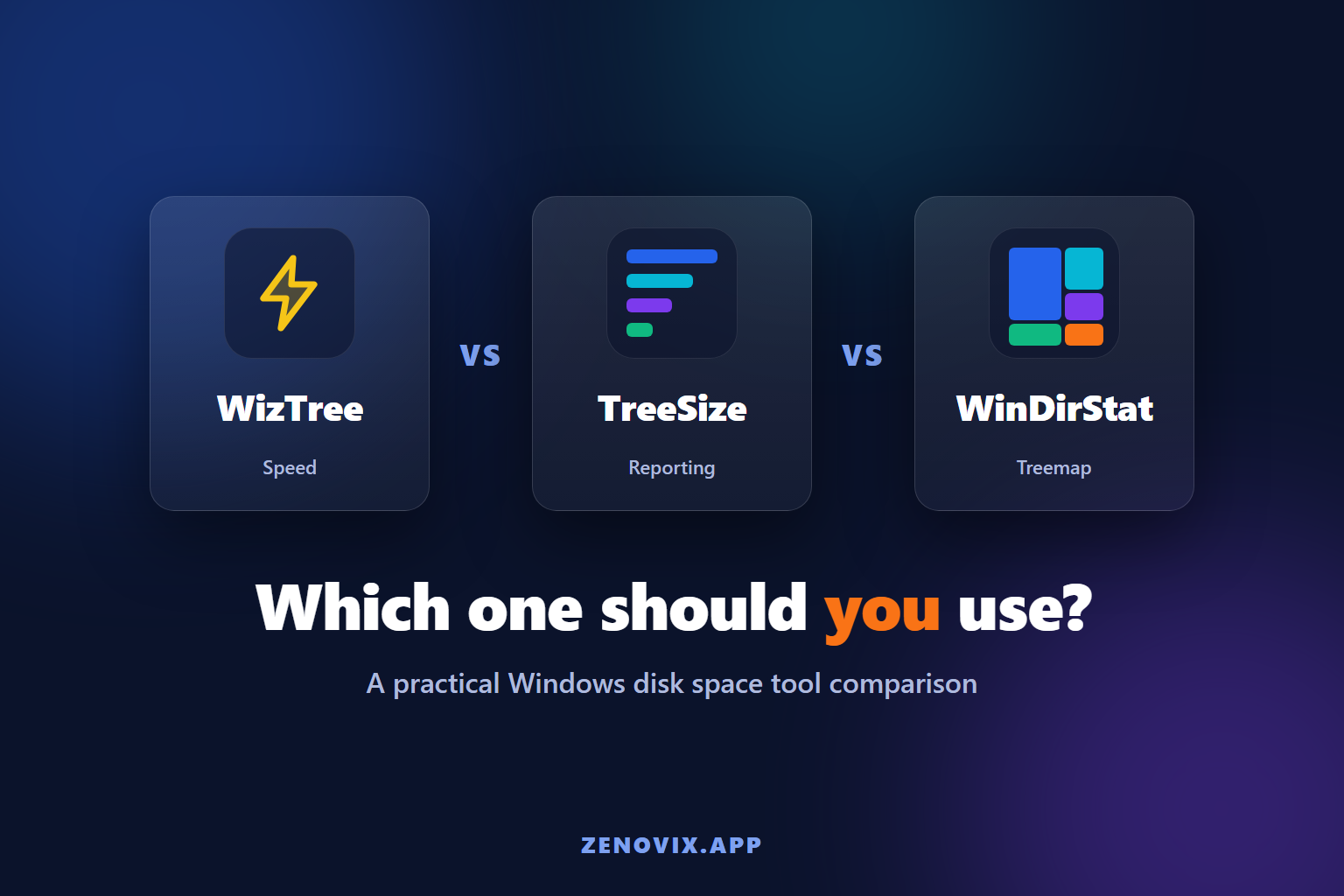
Read moreCompare WizTree, TreeSize and WinDirStat for Windows disk usage analysis, then see where Zenovix fits for review, archive, recovery and reporting.
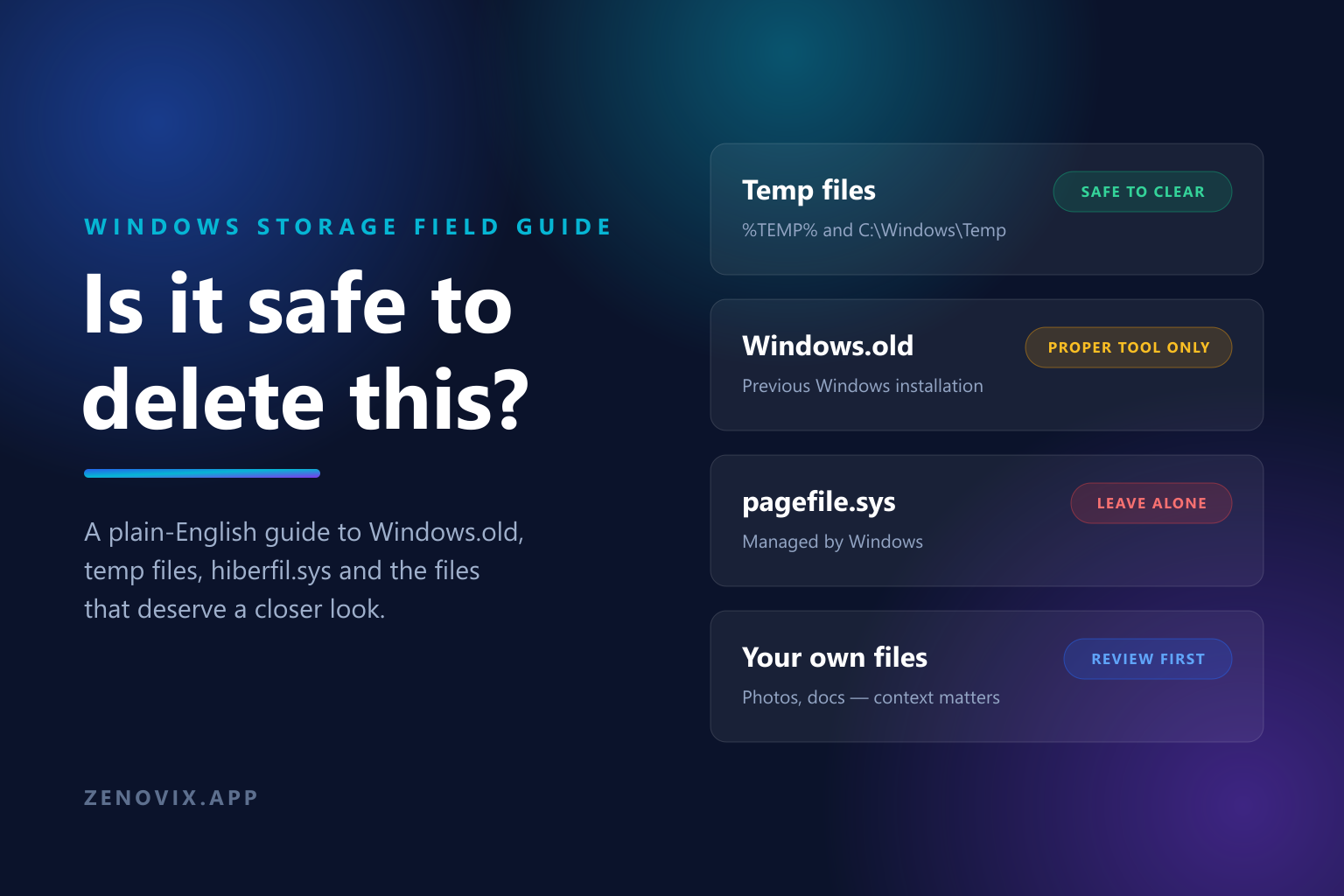
Read moreA plain-English Windows field guide to Windows.old, WinSxS, temp files, hiberfil.sys and pagefile.sys: what is safe to clear, what needs the proper tool, and what to review first.
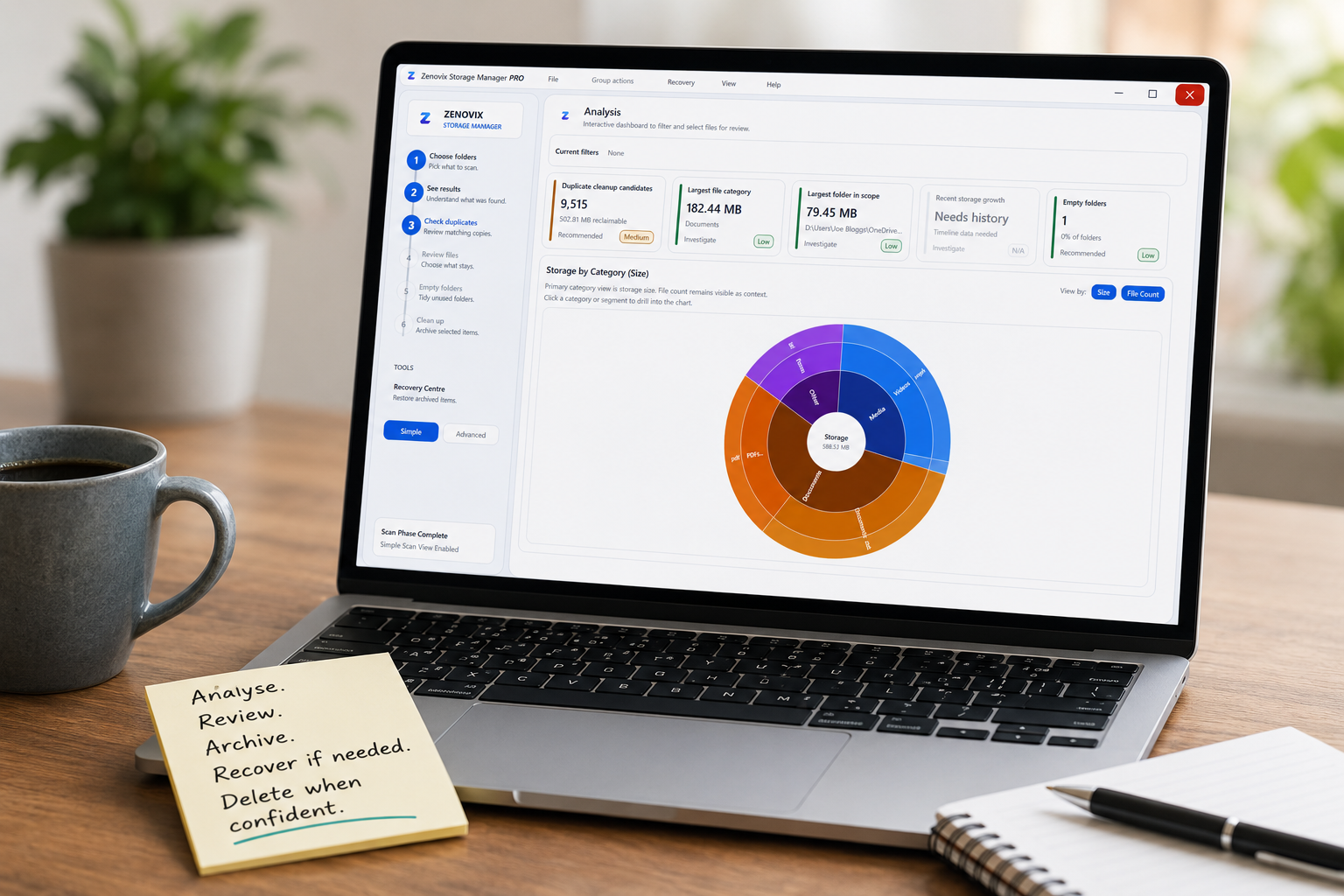
Read moreA practical Windows storage cleanup guide: analyse files, review results, archive uncertain items and delete only when the decision is clear.
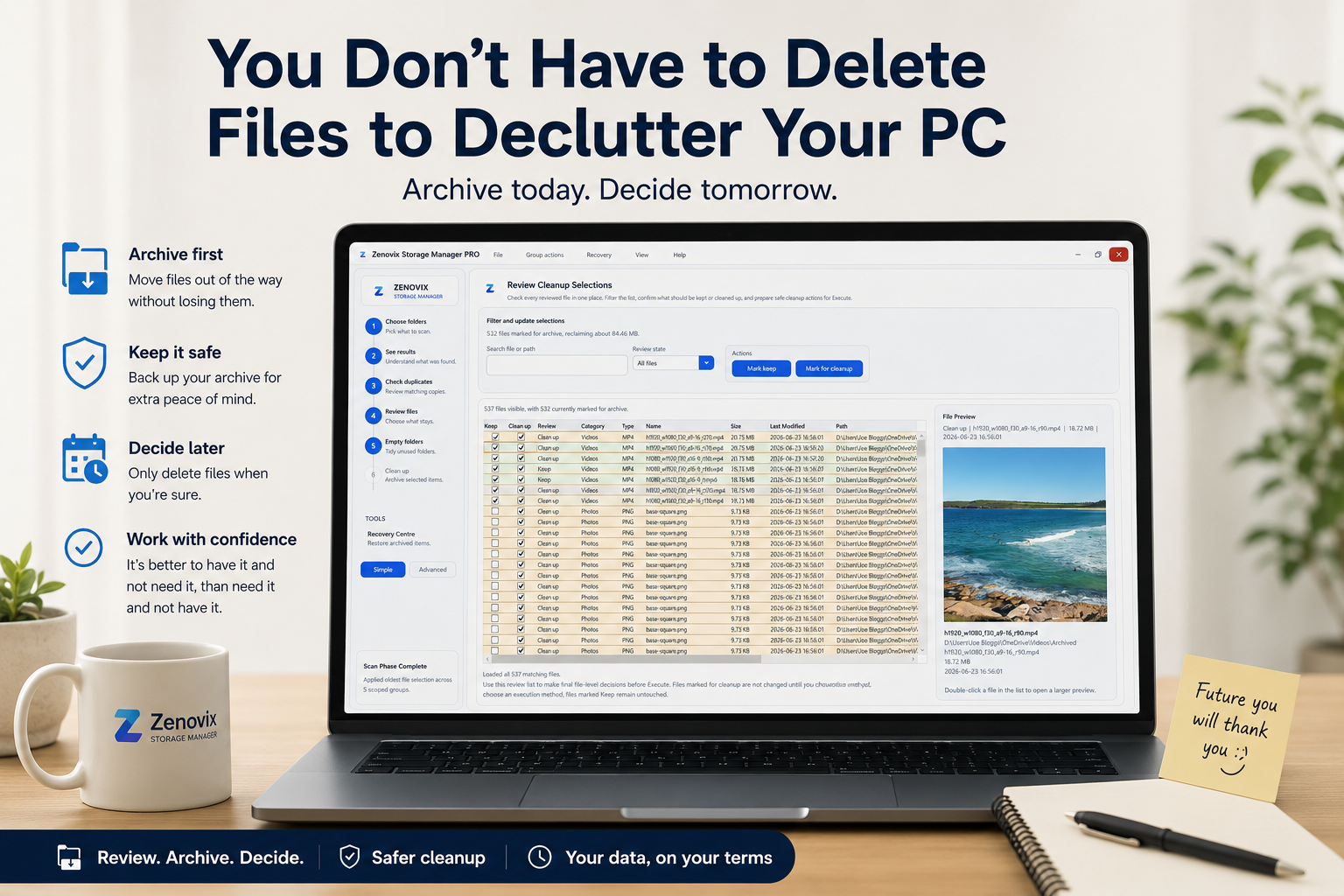
Read moreA personal note on using archive-first cleanup to declutter a Windows PC without rushing into permanent delete decisions.
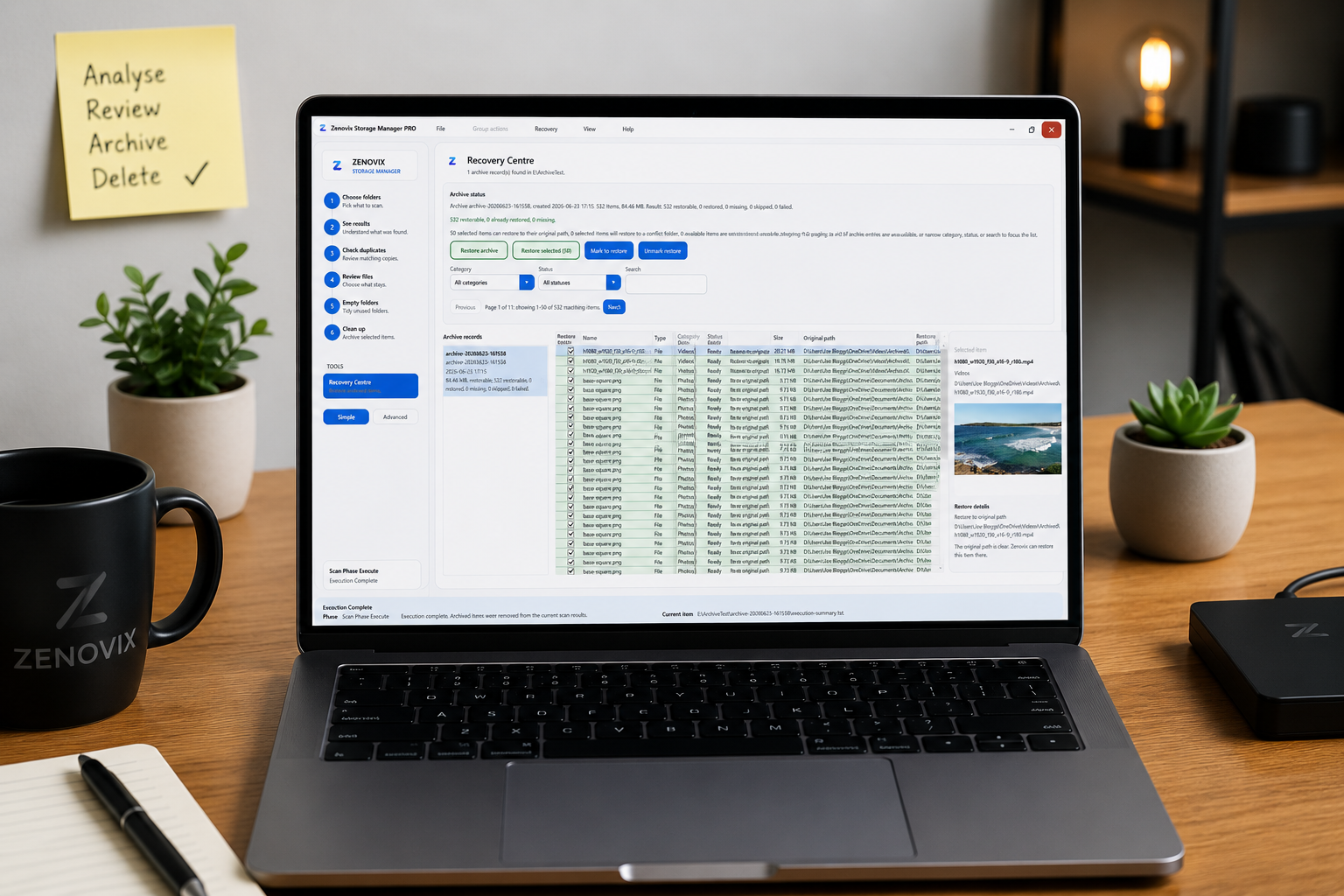
Read moreA practical look at the gap between finding Windows storage problems and safely acting on them with review-first archive and recovery workflows.
Read moreA practical guide to reviewing large files, checking duplicates, archiving uncertain items and freeing up disk space on Windows without rushing into deletion.
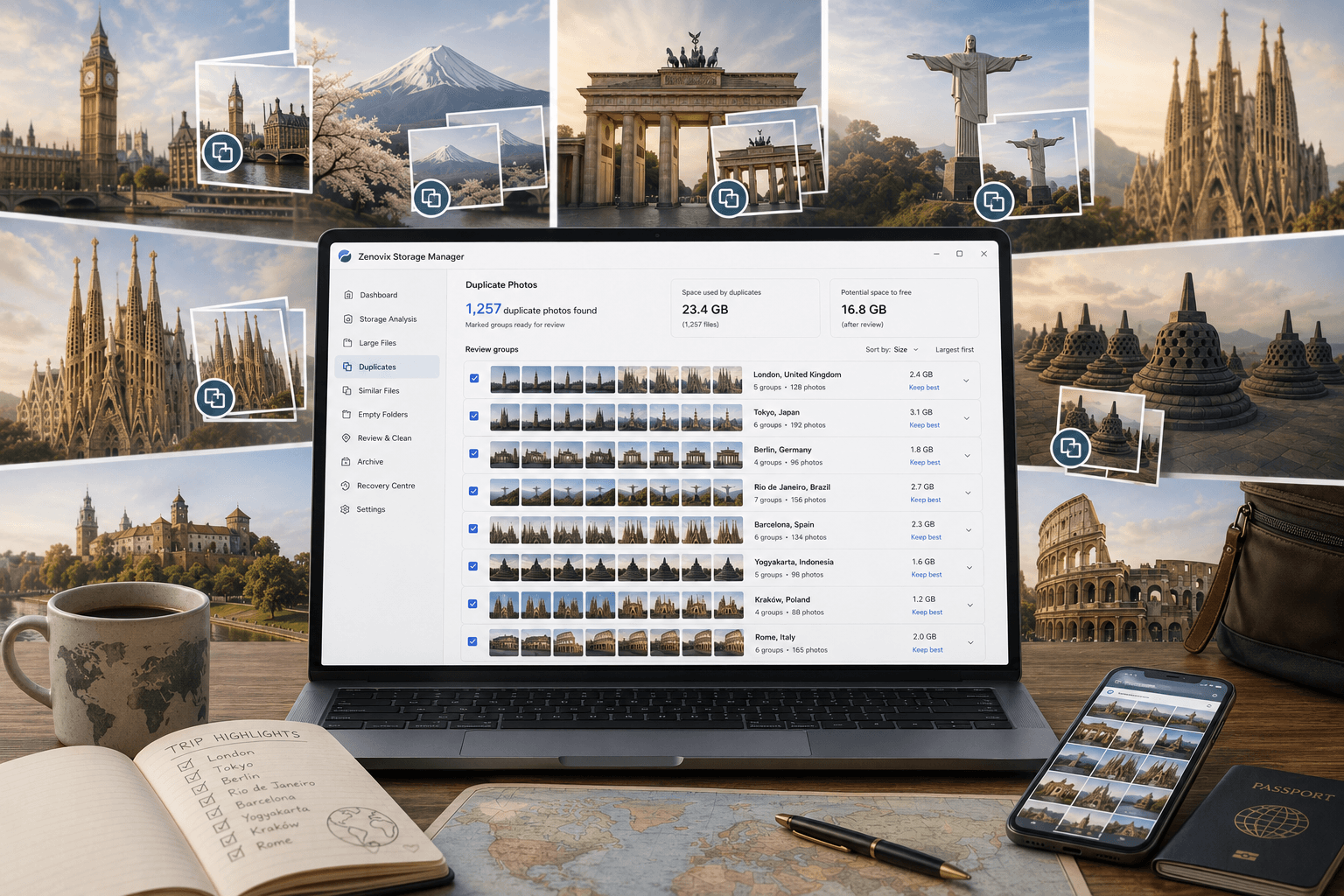
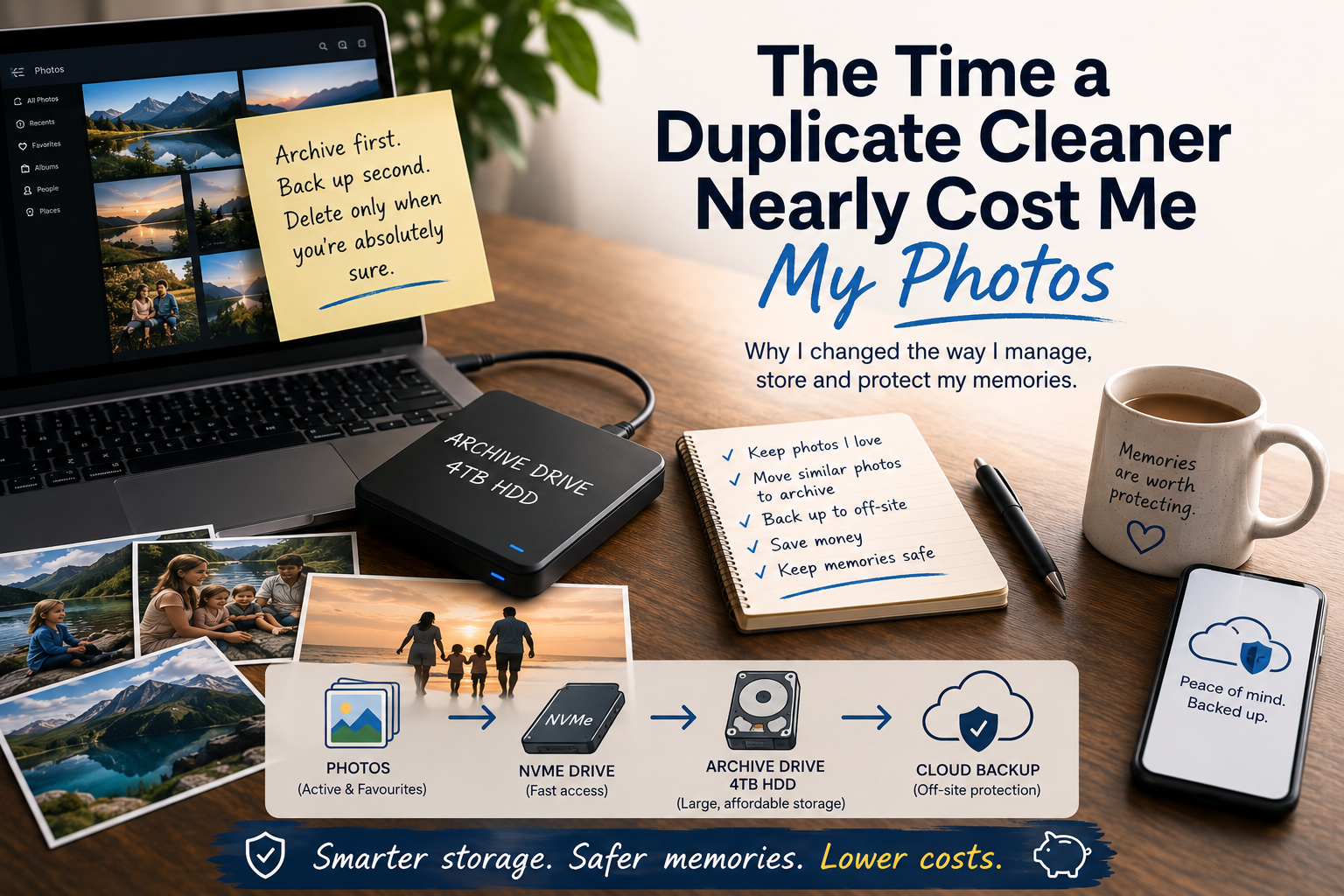
Read moreA personal story about exact duplicate photo cleanup, backups and why Zenovix Storage Manager keeps archive-first review safer.
Read moreA fair look at how Zenovix compares with popular Windows storage tools, including CCleaner, TreeSize, WinDirStat, WizTree and Windows Storage Sense, and why Zenovix focuses on review before action.
Read moreThe story behind Zenovix Storage Manager and why it focuses on understanding storage, careful review and user control instead of one-click deletion.
Read moreProduct details
Learn what Zenovix Storage Manager does, how it analyses disk usage and why cleanup is designed around review before action.